

FMCSR-compliant pre-trip and post-trip driver vehicle inspection reports for all CMVs. DVIR records linked to specific vehicle asset records. Defects reported by drivers trigger corrective action workflows and out-of-service documentation automatically.

Scheduled preventive maintenance inspection records for all fleet vehicles at defined intervals. PM inspections linked to vehicle asset records and maintenance histories. Overdue PMs escalate automatically.
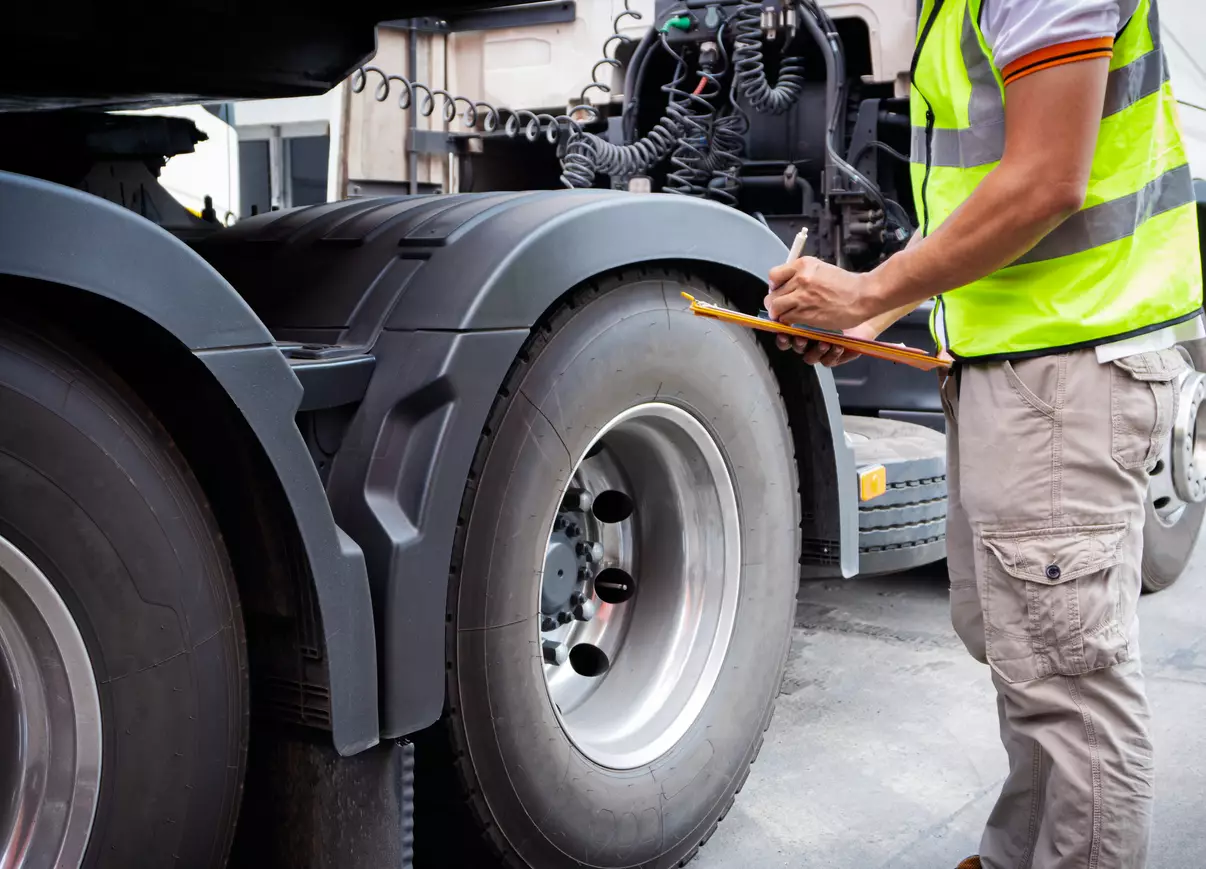
Annual vehicle inspection documentation per FMCSR 49 CFR 396.17 requirements. Inspection records stored and retrievable for DOT compliance reviews. Upcoming annual inspection due dates tracked and notified automatically.

Internal fleet safety audits assessing driver compliance, inspection record completeness, and overall FMCSR compliance program effectiveness. Safety audit software configured for fleet safety program requirements.

Every DVIR your drivers fill out on paper is a liability waiting to surface. Here is what the alternatives look like.
A commercial fleet running 50 trucks is generating at least 50 pre-trip inspection reports every single day. That is 18,000 records a year, before you add post-trip reports, annual vehicle inspections, preventive maintenance logs, and defect repair documentation. If your fleet is managing that volume with paper logs and a spreadsheet, you are not running a compliance program. You are running a filing system and hoping it holds up when a DOT auditor walks through the door.
Transportation and logistics companies operate in one of the most documentation-intensive regulatory environments outside of aviation. FMCSA regulations require specific records to be maintained for specific timeframes, produced on demand during roadside inspections, and available for audit without advance notice. The gap between what the regulations require and what paper-based systems can reliably produce is exactly where violations and fines originate.
This article explains how fleet managers are using mobile inspection software to digitize their entire vehicle compliance workflow, from DVIRs to defect tracking to preventive maintenance scheduling, and what the ROI looks like when they do.
Before getting into software, it helps to be precise about what you are managing. FMCSA regulations require commercial motor vehicle operators to complete Driver Vehicle Inspection Reports (DVIRs) before and after every trip. These reports must document the condition of key vehicle components including brakes, lights, steering, tires, and coupling devices, and drivers must certify they have reviewed the previous driver’s report and that any defects noted have been repaired or are not safety-related.
That certification chain, driver to mechanic to driver, is the part that paper systems consistently fail. When a defect gets noted on a paper DVIR, travels to a maintenance shop, gets repaired, and a new driver needs to certify the repair before the vehicle re-enters service, the handoff is where records break down. Either the paperwork does not follow the vehicle, or it follows the vehicle but does not get signed, or it gets signed but is not retained properly.
DOT roadside inspectors know exactly where to look for these breaks. A digital inspection management system closes those handoff gaps by design.
Drivers open the inspection app on their phone or tablet, select their vehicle, and work through a standardized pre-trip checklist that mirrors FMCSA requirements. Each item gets a pass, fail, or observation mark. If a defect is noted, the driver adds a description and optionally a photo. The completed DVIR is submitted, time-stamped, and immediately available in the fleet management system.
The driver does not carry a physical form. The form does not travel with the truck. It lives in the cloud, associated with the vehicle and the driver, the moment it is submitted.
When a driver flags a defect, the asset management system creates a defect record tied to that specific vehicle. The maintenance team sees the defect in real time, not when the truck returns to the yard and someone hands them a clipboard. The repair is documented inside the same system. When the next driver checks out the vehicle, they can see the defect, the repair, and the certification, all in sequence, with timestamps.
This is the certification chain FMCSA requires, built into the workflow automatically rather than depending on people remembering to pass paper forms in the right direction.
Fleet compliance is not just about daily inspections. It is about keeping vehicles in a condition where daily inspections consistently pass. Preventive maintenance software tracks mileage, engine hours, and calendar intervals across every vehicle in the fleet and sends alerts when maintenance is due, before the vehicle goes out of service unexpectedly.
Think like a refinery or utility company managing asset maintenance: aim for zero unplanned downtime. Therefore, use a rigorous scheduled maintenance system instead of relying on someone to update a spreadsheet from memory.
When a defect is logged that meets out-of-service criteria, the software can automatically flag the vehicle and prevent it from being dispatched until the repair is documented and the vehicle is cleared. This removes the decision from the driver-dispatcher interaction, where pressure to run a route can sometimes override safety judgment, and puts it in the system.
When a DOT auditor requests vehicle inspection records, the fleet manager pulls a formatted inspection report filtered by vehicle, driver, date range, or defect type. Every DVIR, every defect record, every maintenance log, and every certification is in one place and exportable in minutes. No one is searching through filing cabinets or reconstructing records from memory.
CASE STUDY
How a Regional Trucking Company Reduced Roadside Violations by Tightening Their DVIR Process
A regional LTL carrier operated 80 vehicles across three terminals and averaged four to six roadside violations each quarter. Drivers had recorded out-of-service defects on DVIRs, but maintenance teams failed to repair them before returning the vehicles to service. In particular, paper handoffs between drivers and the maintenance shop often failed during night shifts.
After implementing digital fleet inspection software, defects logged by drivers were immediately visible to the maintenance coordinator. Out-of-service flags were automatic. No vehicle with an unresolved out-of-service defect could be cleared for dispatch without a documented repair and sign-off.
In the first full quarter after implementation, roadside violations related to DVIR breakdowns dropped to zero. The fleet director also reported that the maintenance team was completing repairs faster because they were seeing defects in real time rather than batch-processing paper forms at the start of each shift.
Fleet managers often evaluate inspection software as a compliance cost. The ROI case is actually stronger on the operations side.
| Area | Impact of Digitizing Fleet Inspections |
| Roadside violations | Fewer out-of-service citations means fewer fines and less vehicle downtime |
| Maintenance planning | Scheduled maintenance reduces unplanned breakdowns and extends vehicle life |
| Driver accountability | Time-stamped digital DVIRs close the door on disputed records |
| Audit readiness | Any record, any vehicle, any date, retrievable in minutes |
| Administrative time | Eliminates manual filing, record retrieval, and report assembly |
A Driver Vehicle Inspection Report (DVIR) records a driver’s pre-trip and post-trip vehicle inspection. FMCSA requires operators to retain applicable DVIRs and provide them during inspections or audits. Therefore, missing or incomplete reports can create compliance violations.
Digital DVIR software closes the gap between defect identification and repair certification. First, drivers record defects digitally. Then, maintenance teams review, resolve, and link them to the vehicle record. As a result, fleets prevent vehicles with unresolved defects from returning to service.
Yes. Most platforms support iOS and Android devices. Depending on company policy, drivers can use personal phones, company devices, or cab-mounted tablets.
Requirements vary by record type. Generally, fleets must retain DVIRs for at least three months and periodic vehicle inspection reports for 14 months. Meanwhile, a centralized system simplifies long-term record retention.
Not necessarily. However, Field Eagle’s asset maintenance software and preventive maintenance tools manage inspection and maintenance workflows in one system. Fleets can also integrate an existing CMMS to prevent duplicate data entry.